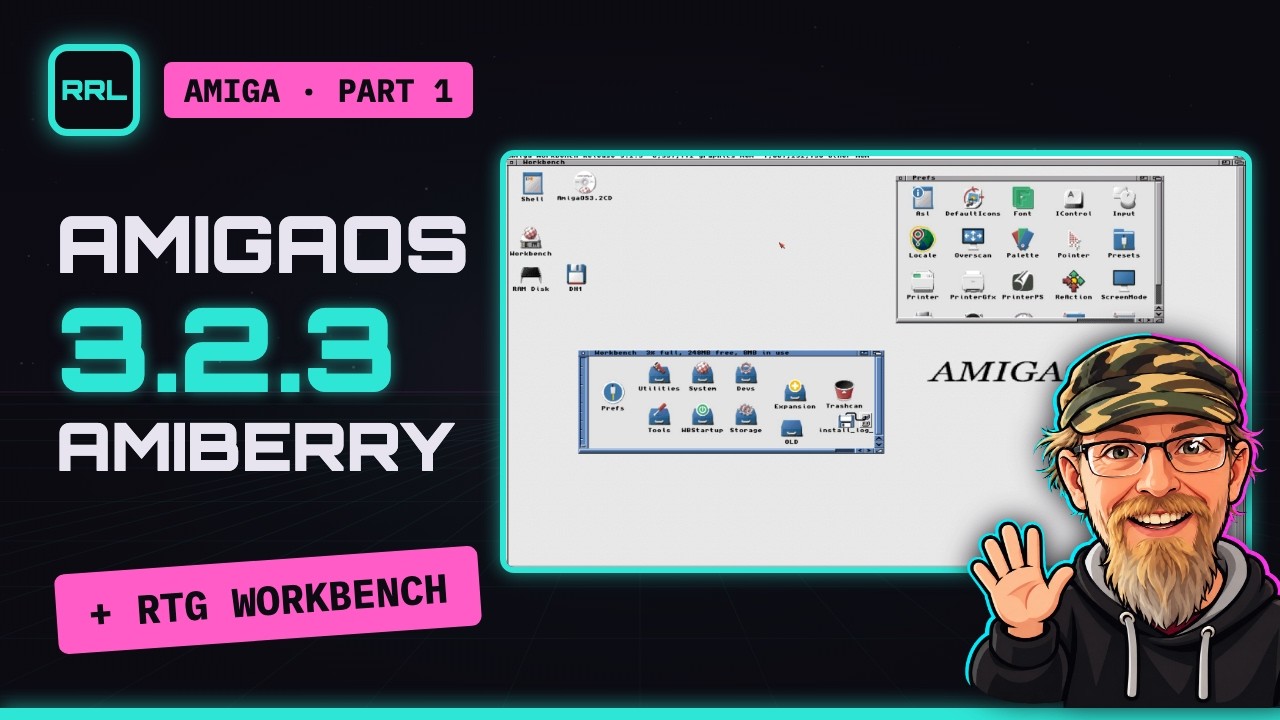
 Play: AmigaOS 3.2.3 on Amiberry #1 — Install
Plays from YouTube. Clicking loads the video from youtube-nocookie.com; YouTube then receives your IP address.
AmigaOS 3.2.3 on Amiberry #1 — Install
 By Dukuu
· 25:24 video
By Dukuu
· 25:24 video
Want to learn how to install the latest and greatest AmigaOS 3.2.3 with support for a high-resolution Workbench? You are in the right place! Find out what you need, where to get it from and how to set up everything from scratch.
AmigaOS 3.3 is around the corner (Hyperion is aiming for 2026) and the knowledge you can gain from mastering 3.2.3 will help you get the best out of it, right from the start :)
This is part one of a three-part series. More advanced topics like Workbench customization, networking and coding setup with Rebound Retro Studio & deployd/tail will be covered in parts two and three.
Chapters
- 0:00 Intro
- 0:18 What you need
- 1:48 Configure
- 6:55 Install 3.2
- 13:25 Update to 3.2.3
- 18:14 High resolution
What you need
- Amiberry 8.3.0 — free, open source
- AmigaOS 3.2 — Hyperion, paid
- Update 3.2.3 — free for registered owners, includes the 3.2.3 Kickstart ROMs
- LhA 2.15 for the Amiga — Aminet, free; take
lha.run - Picasso96 2.0 for RTG — Aminet, shareware, please register
- MacPacker — unpacks
.lhaon the Mac, free, Mac App Store
Traps from this video
- You do not need 3.2.1, 3.2.2 or 3.2.2.1 — go from 3.2 to 3.2.3 directly.
- Pointer trails in RTG on macOS: set
gfxcard_hardware_sprite=truein the config. Amiberry issue #2318.
Comments
No comments yet — be the first.