 Rebound Mouse
My mouse is a Logitech G502 X Plus. Changing a button on it means installing a large piece of vendor software that wants to run all the time, and I wanted the opposite: an ordinary Mac window that opens, tells me the truth about the device, writes what I asked for, verifies it, and quits. So there is no menu-bar item, no helper, no login item and no background service — closing the window ends the process.
What it does
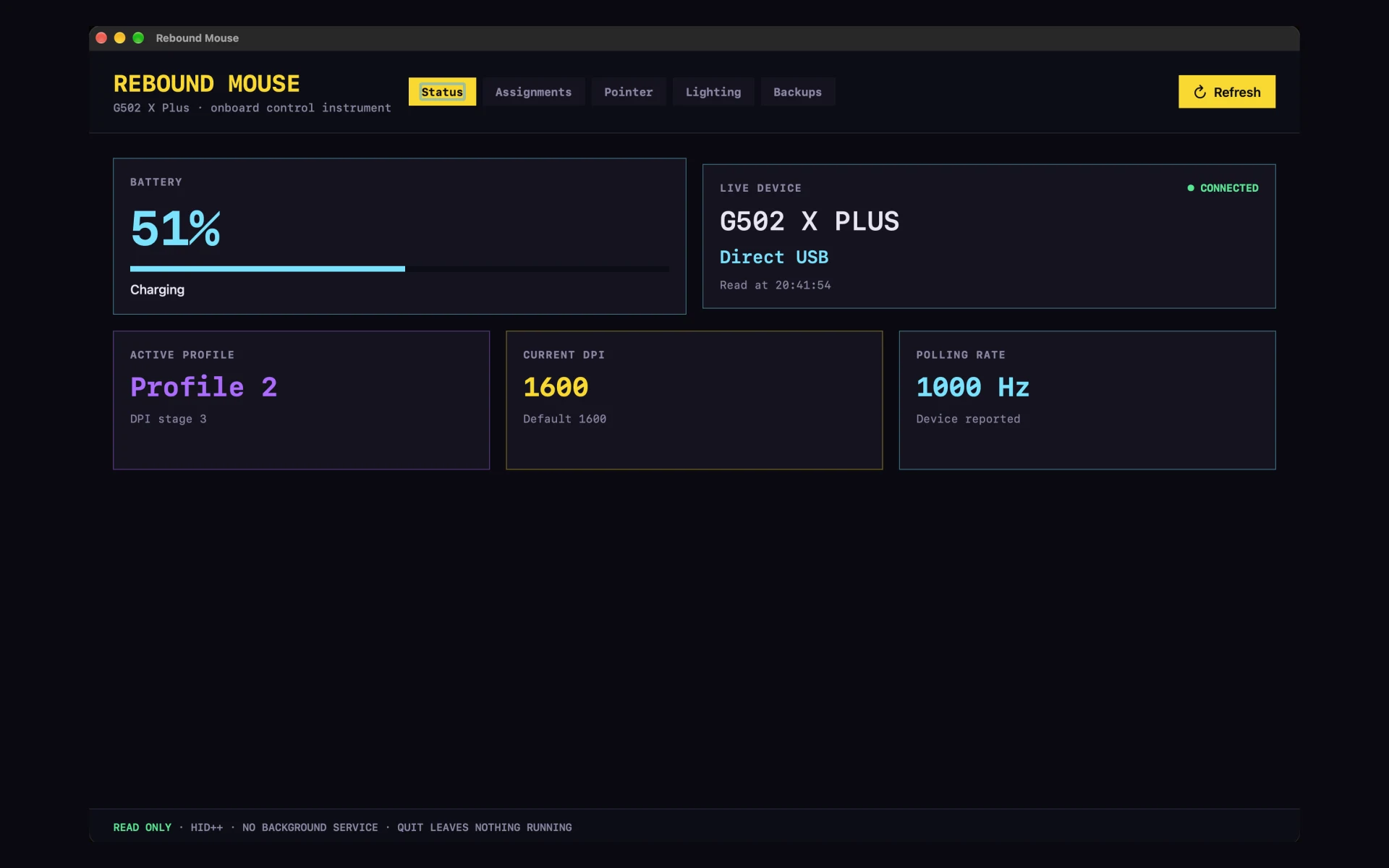
- Reads the device over the wireless link: the exact model, how it is connected, battery provenance and charge, the active profile, the DPI stage and the polling rate the mouse itself reports.
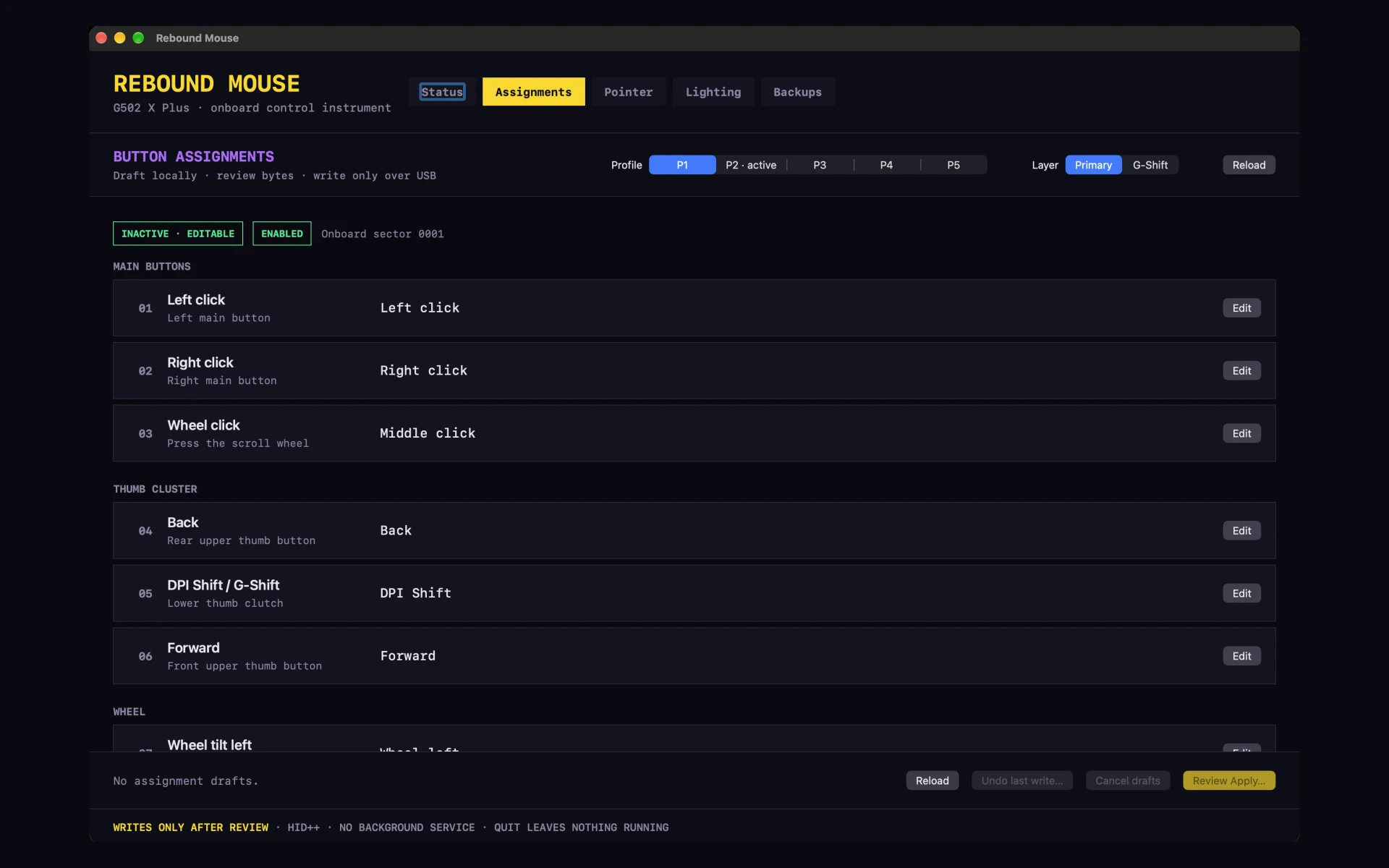
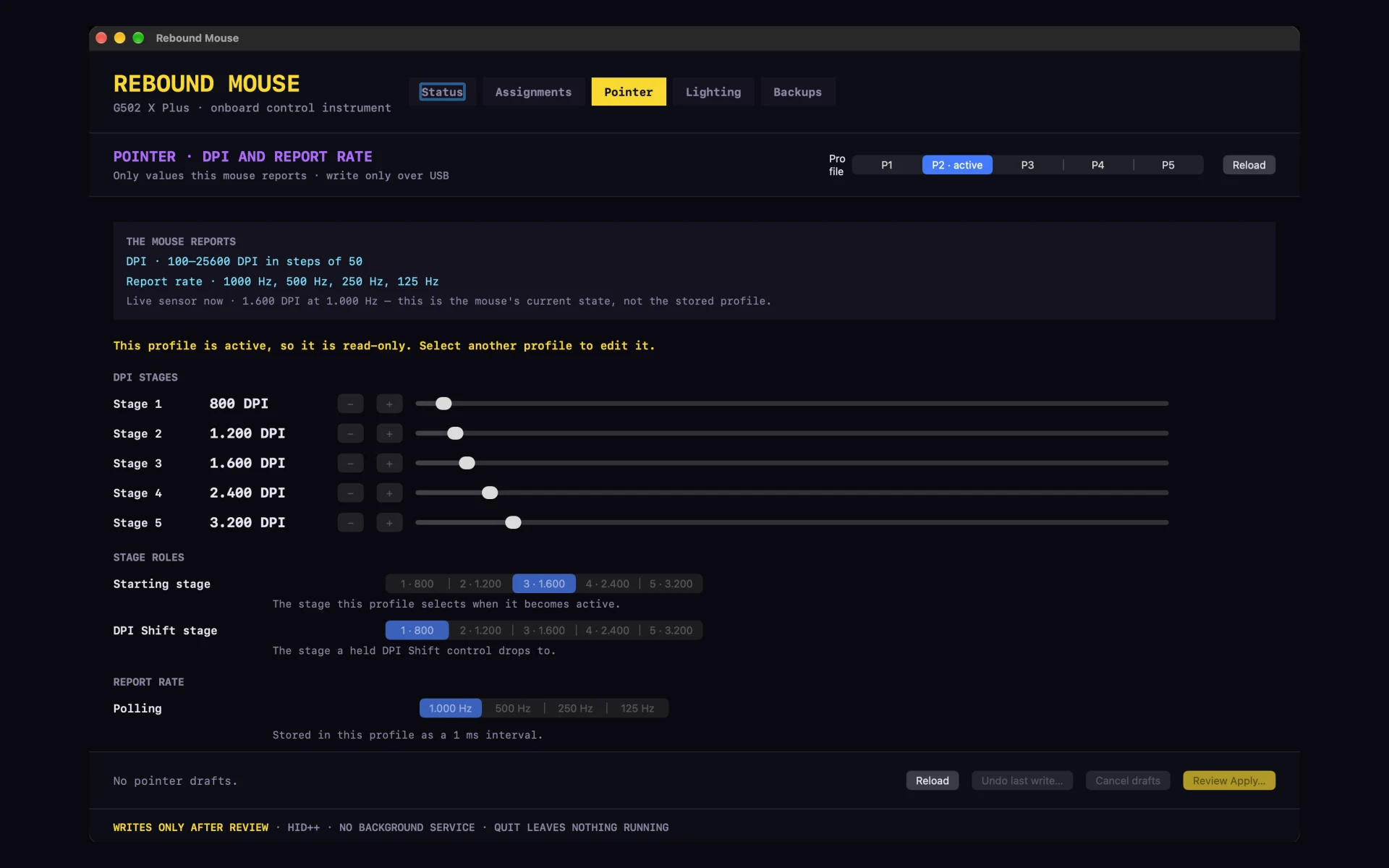
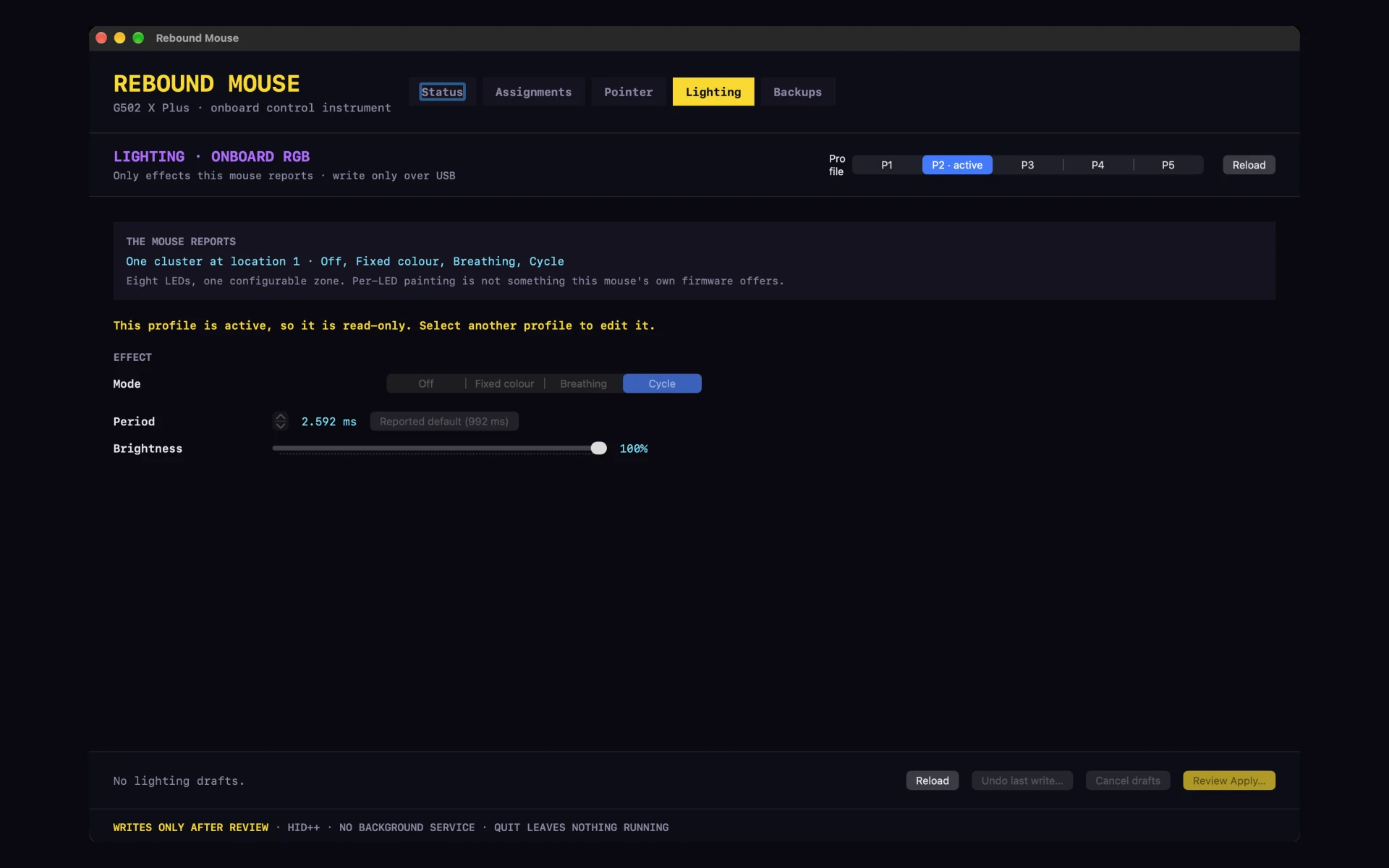
- Writes the onboard memory over the cable: buttons, DPI stages, report rate and the mouse's own lighting record — persistent, so the settings live in the mouse rather than in a daemon on the Mac.
- One transaction, one confirmation. All edits go in together under a single hash you confirm; Cancel leaves every sector byte-identical, and each write is read back and verified.
- Backups of the mouse's own memory, with one bank pinnable so it stays at the top of the list however many backups follow it, and a restore that refuses rather than guesses.
- One permission: Input Monitoring, which macOS requires before any process may talk to the device at all. Nothing else is requested — no Accessibility, no Screen Recording, no network.
Where it actually stands
0.1.0-alpha.8, and it does what I need on the one mouse I own. It is written for that device on
purpose: the transport layer might be reusable, but the profile format is G502 X Plus code until a
second device measured on my desk says otherwise. Nothing here has been tested on anyone else's
hardware, which is most of why there is no download.
Screenshots
What’s next
- Keep using it and settle the last two open questions: the text size, and how to word battery state while the cable is plugged in.
- A second mouse would have to earn a shared model. Until one does, this stays deliberately single-device.