 Rebound Terminal
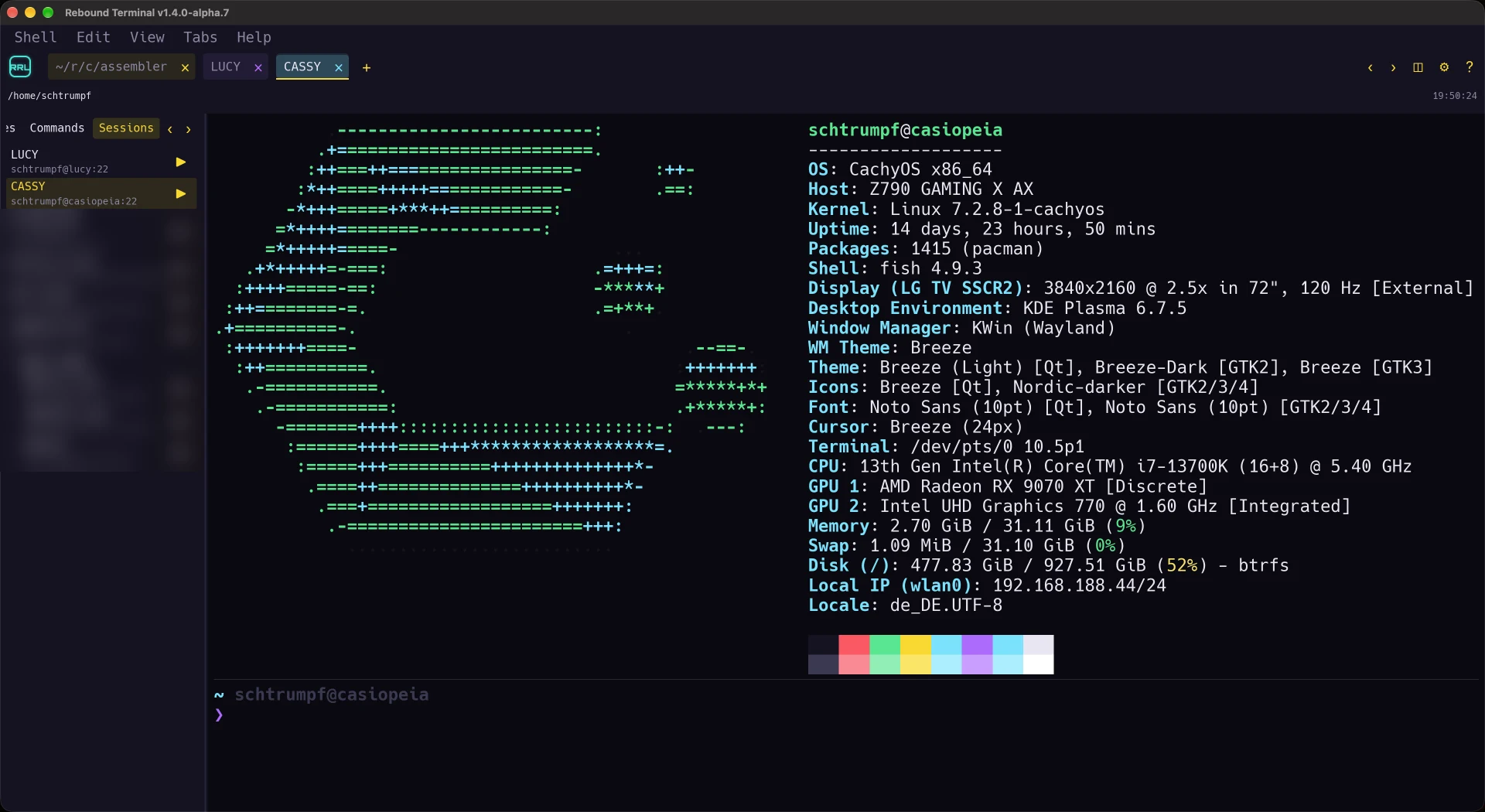
The terminal I actually work in. It draws its own VT100/ANSI grid, talks to the pty itself, and is fast enough that scrolling feels like a game rather than a document viewer. It is also the shell band at the bottom of Rebound Retro Studio.
What it does
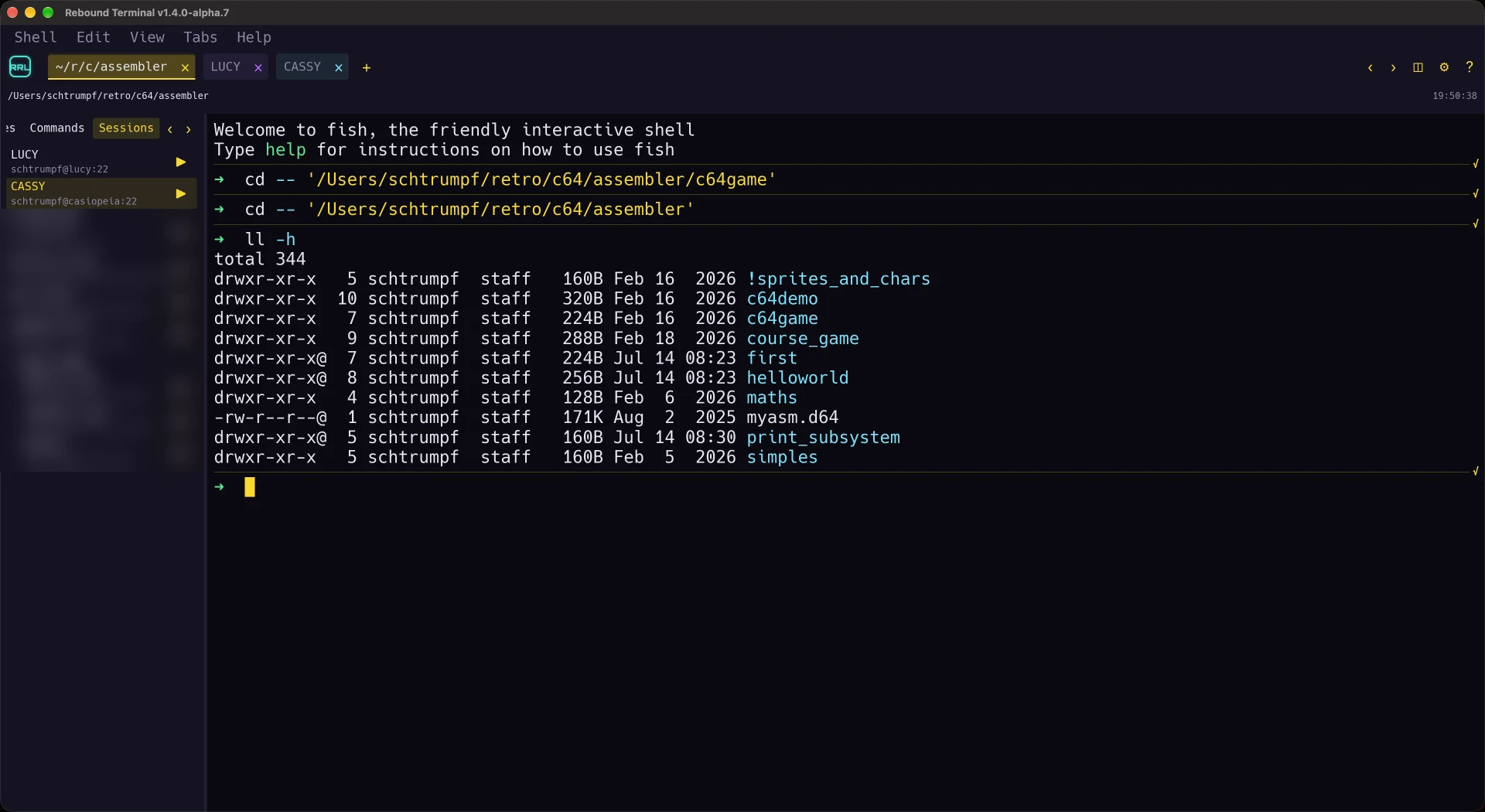
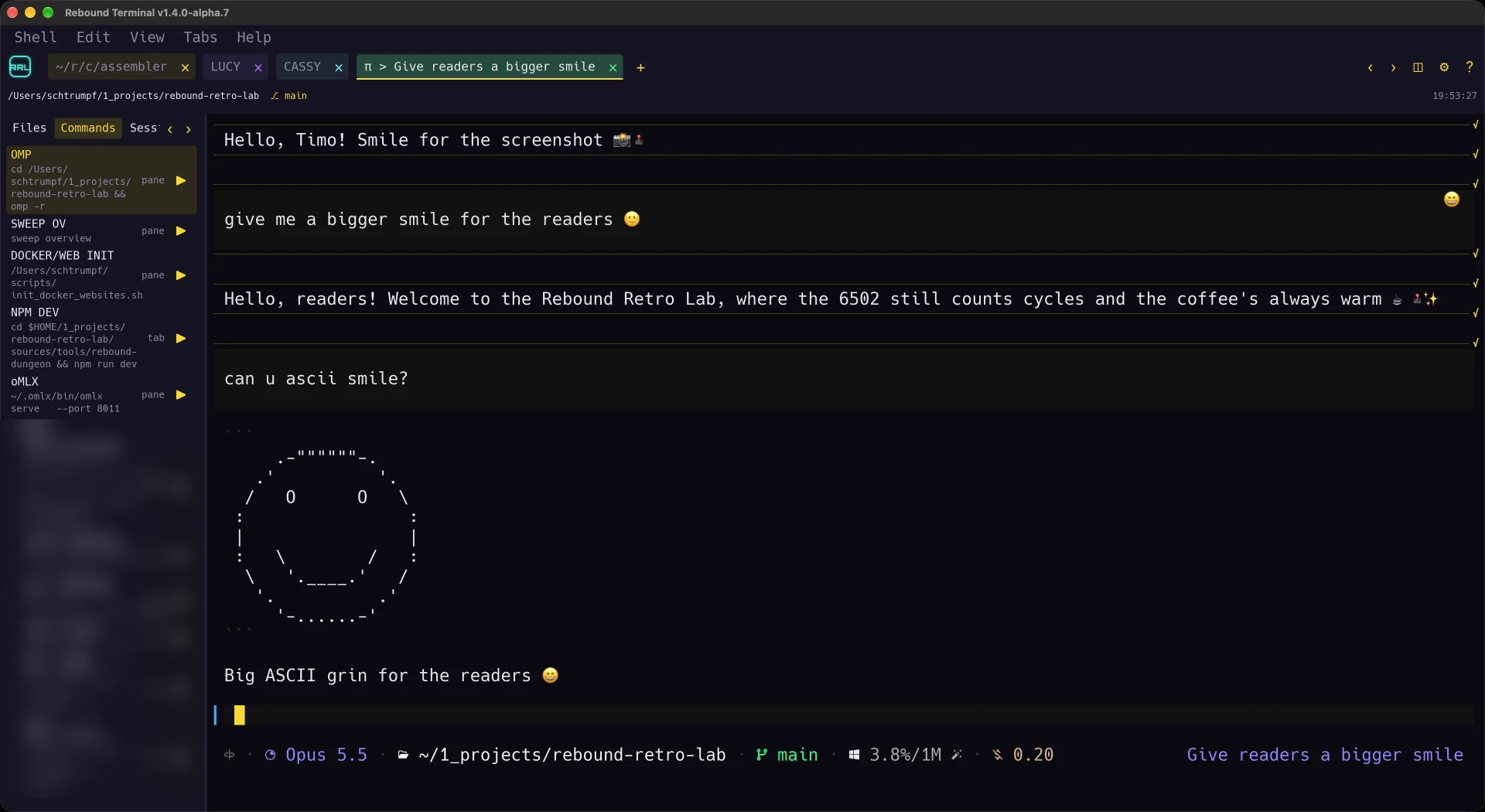
- Tabs, split panes and several windows, and the whole arrangement comes back after a restart — windows, tabs, panes, each pane's working directory, and which window had the focus.
- Command blocks. With shell integration for zsh, bash and fish it knows where a command started and ended, so a failed command is marked as failed instead of leaving you to scroll.
- ssh panes with a file panel for the far machine, and a status bar that admits when a remote pane has gone quiet instead of showing a stale prompt.
- Themes switchable at runtime, and scrollback that scrolls by the pixel.
- Grouped commands and SSH sessions, with foldable, remembered sidebar headers.
Where it actually stands
The current source version is 1.4.0-alpha.7, built and staged on 2026-10-05, not installed.
The installed daily-use candidate remains 1.4.0-alpha.6; no public download has been supplied.
The v1.3 line is closed, but daily-use scrolling and copying findings remain a gate for the next line.
One defect stays explicit: the outstanding forkpty panic can take down the window.
Serialising allocation was a workaround, not proof that the underlying failure is fixed.
Screenshots
What’s next
- Install and use alpha.7; decide whether the Settings buttons are still too big.
- Measure copying OMP's own pre-wrapped output and its default TUI under tmux.
- Close the outstanding forkpty panic and real-agent never-spoke checks.